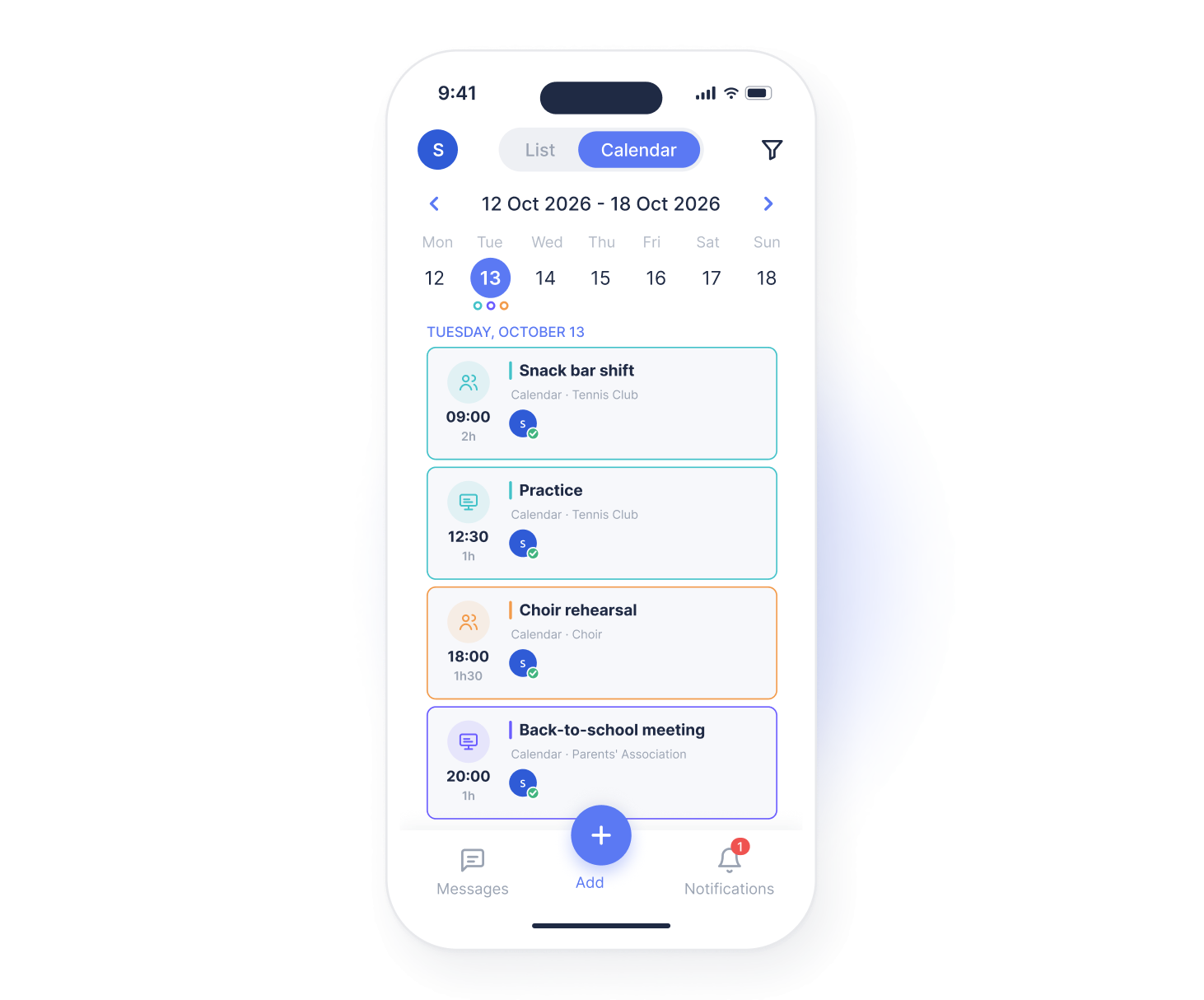
Birthdays, practices, the Friday dinner, the summer trip: all in one shared calendar.
Everyone sees the same thing, updated the moment it changes, from their phone or their laptop. No more “you never told me.”

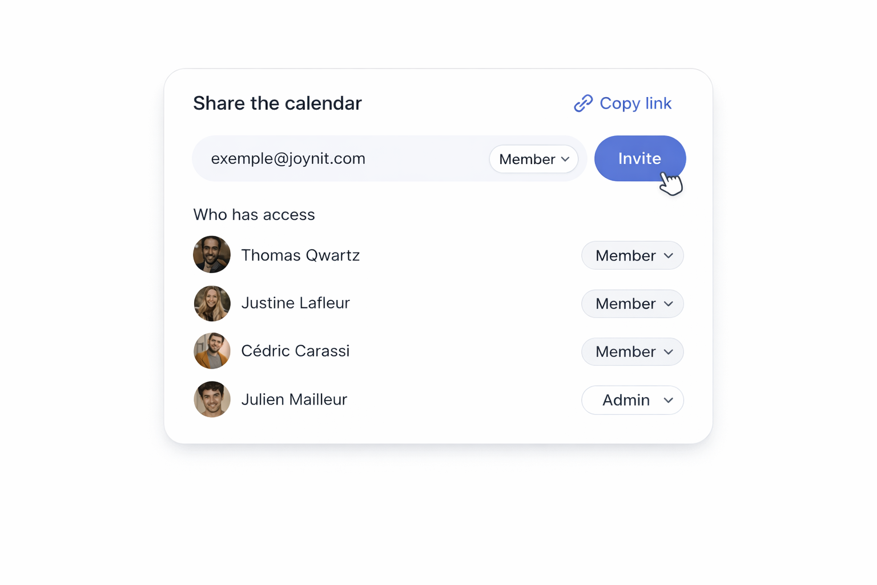
Share your calendar with a link.
Anyone can open it, even without creating an account or installing anything. Grandparents, babysitters, the friend who hates apps: everyone’s in. Those who want to add events sign up with any email, Gmail, iCloud or whatever they use.
📧 WWorks with any email address, no app required to view
Everyone marks when they’re free or away, right in the online calendar. You see at a glance which weekend, which evening or which week works for the whole group, and you pick it without asking everyone one by one.
And when someone says “I’m in”, the whole group knows.


Each member adds events to their personal calendar in one click, no manual copy-paste, no missed eventsagenda en ligne Joynit avec un agenda externe (Google, Outlook, Smartphone etc.)
❓ Is Joynit free for a small group?
Yes. The free plan lets your group add up to 5 events a month, with no time limit and no credit card. If you plan more than that, unlimited events cost $66 a year for the whole group of up to 10 people, one flat fee, not per person. More than 10 people? That’s what we call a community: a more complete calendar for clubs, churches, nonprofits and large groups.
Discover the community calendar
❓ Do my friends or members need to create an account?
No. Anyone can open the calendar from the link, see upcoming events and sign up for them without creating an account. Members who want to add events join with any email address: Gmail, Outlook, iCloud, work or personal.
❓ How do we set up a group calendar?
Create your shared calendar, share the link, done. Everyone who joins posts events, gets notified when something is added or changed, and sees who’s in. No setup, no training, no admin.
❓ Does it sync with our own calendars?
Yes. Each member syncs the group calendar with their own, whether that’s Google Calendar, Outlook or Apple Calendar on their phone, so the group plan shows up next to their personal appointments without copying anything.
❓ Is there a mobile app?
Yes. Joynit works on the web and on the iOS and Android apps, with notifications for every new or updated event, so the whole group sees the same calendar on any device.