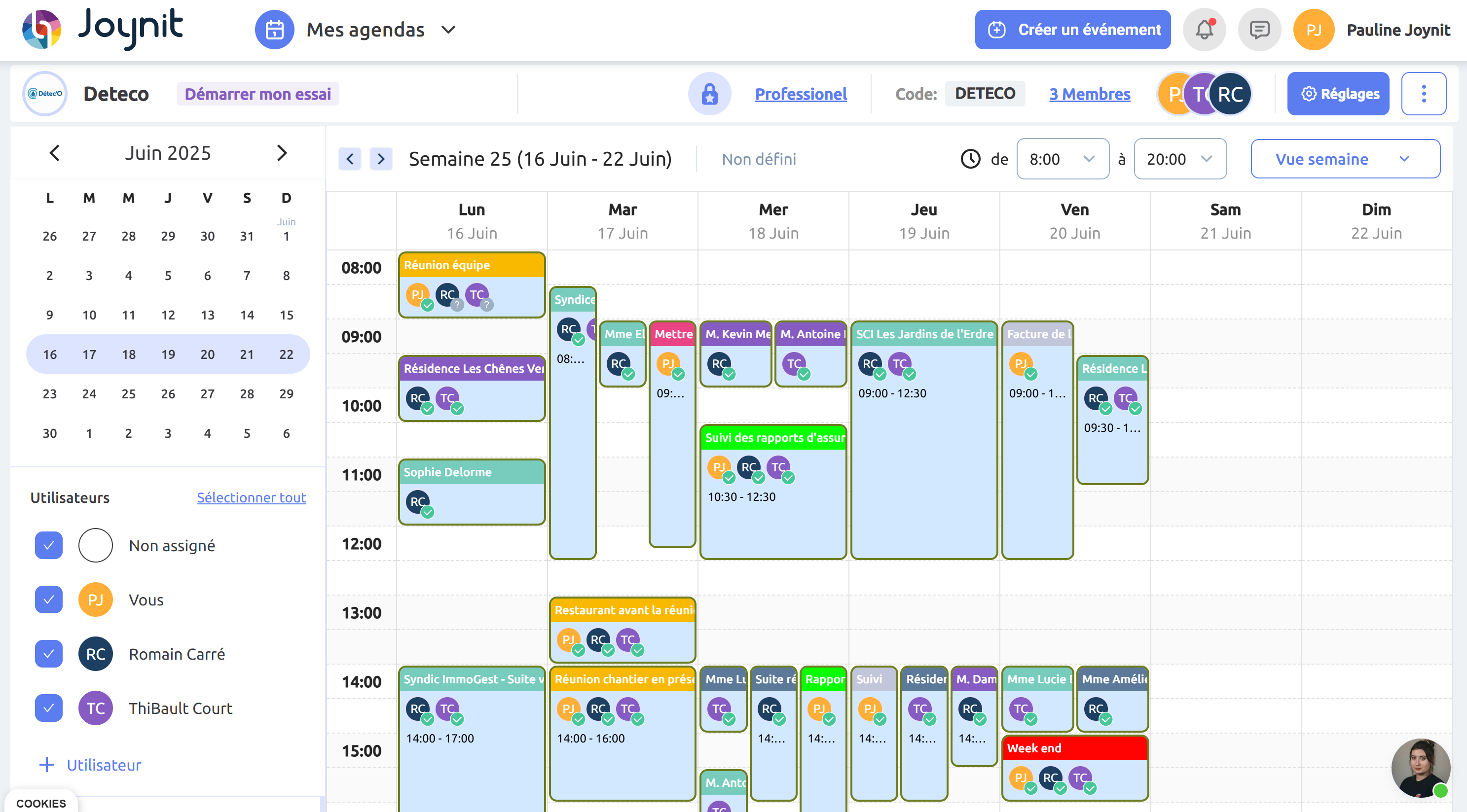
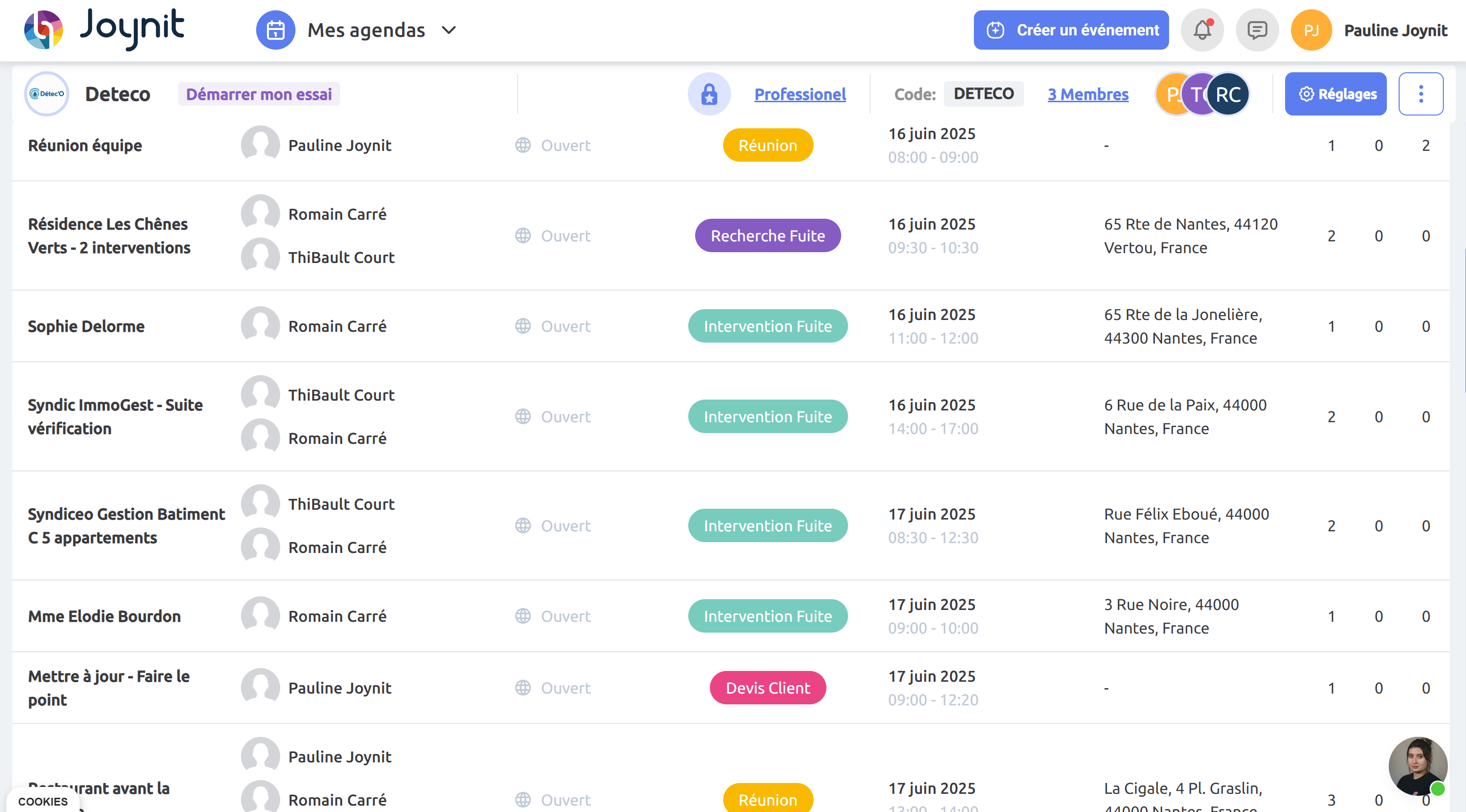
👷 Craftsmen and Small Businesses
Plan jobs, on-site work, and travel schedules.
💻 Services & Agencies
Manage teams, appointments, and shared resources in one place.
💊 Healthcare
Organize appointments, rooms, and internal schedules with clarity.
🎓 Training organizations
Manage classes, training sessions, and audits with a shared calendar
📞 Call Centers & Appointment-Based Teams
Handle multi-calendars and appointment scheduling efficiently
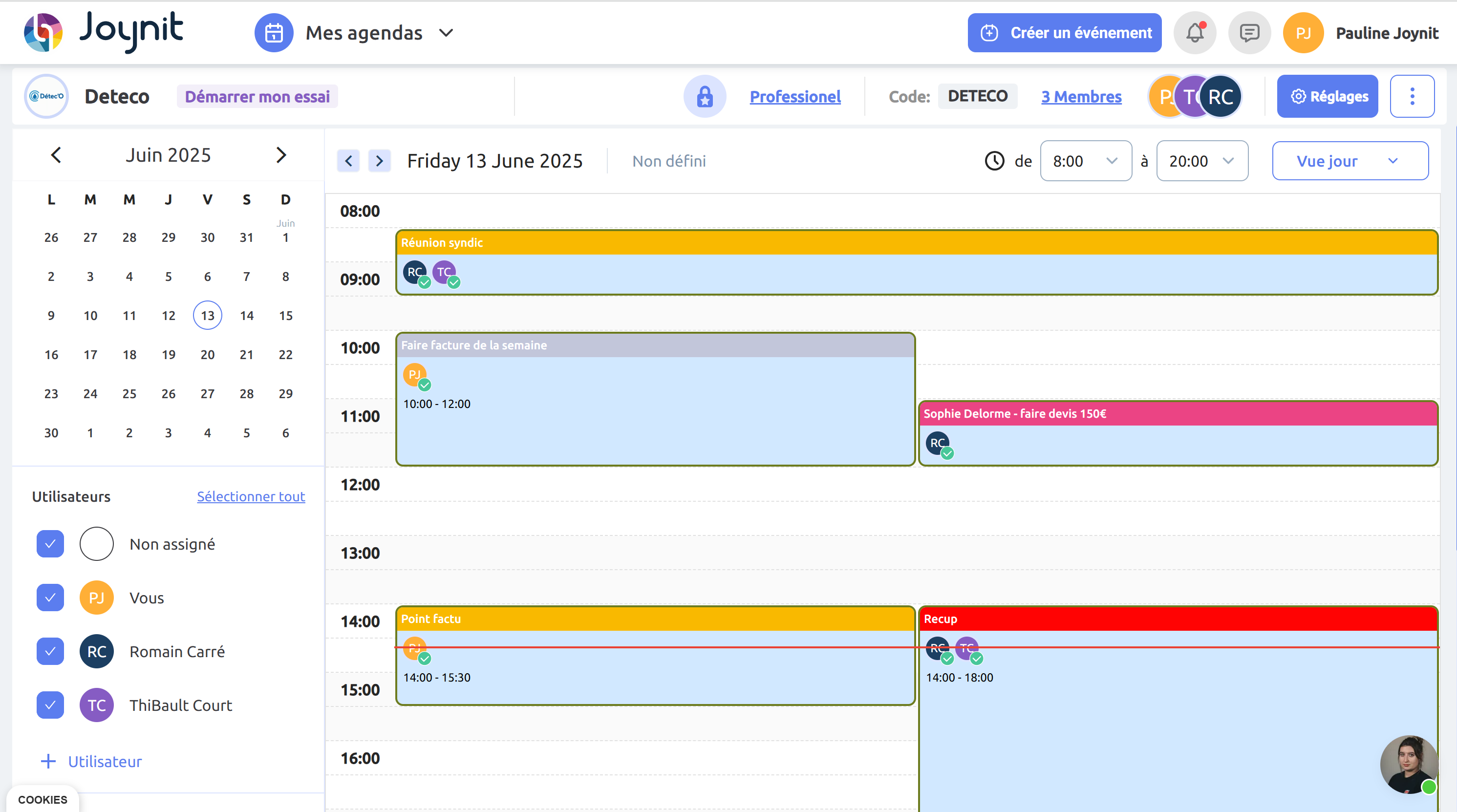
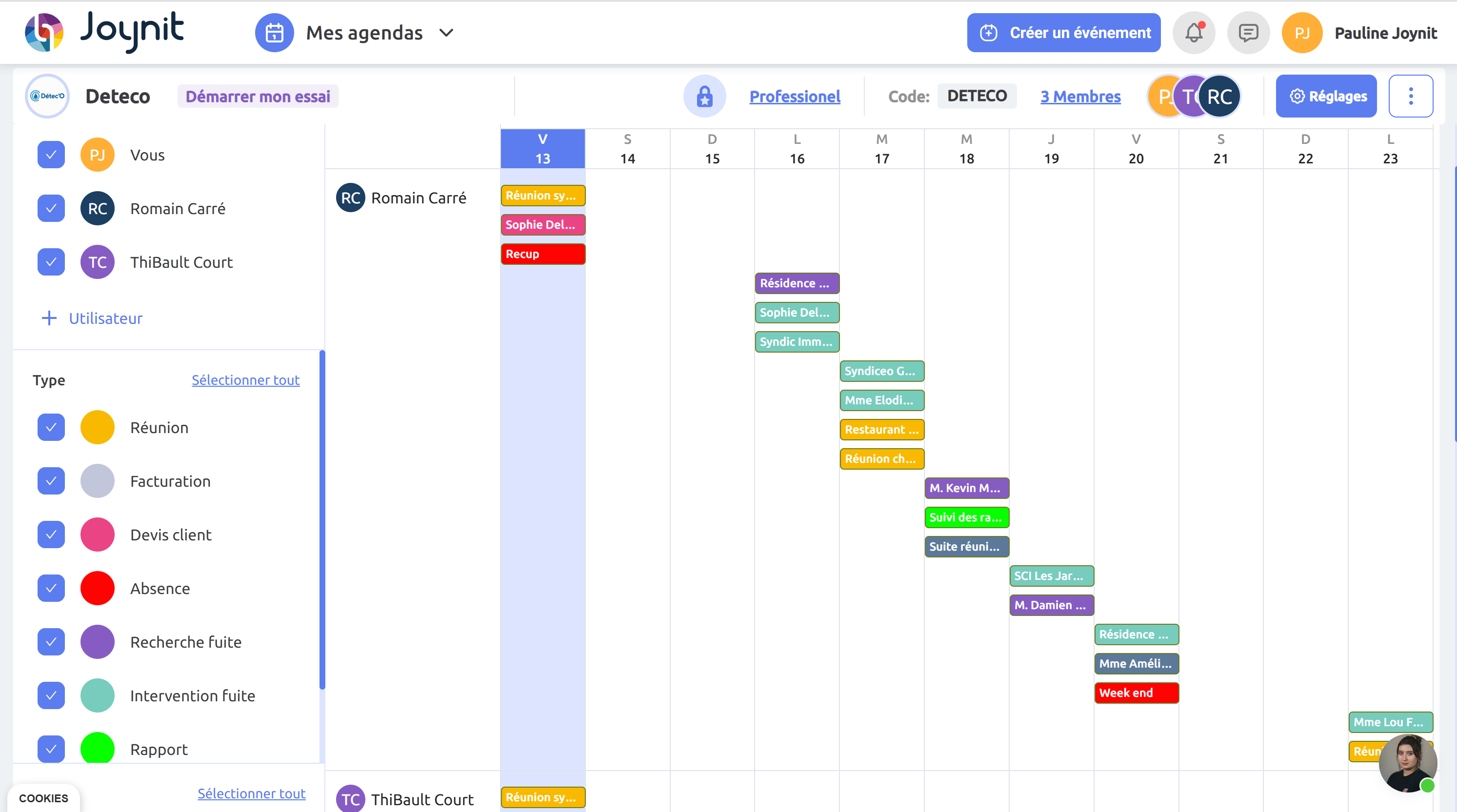
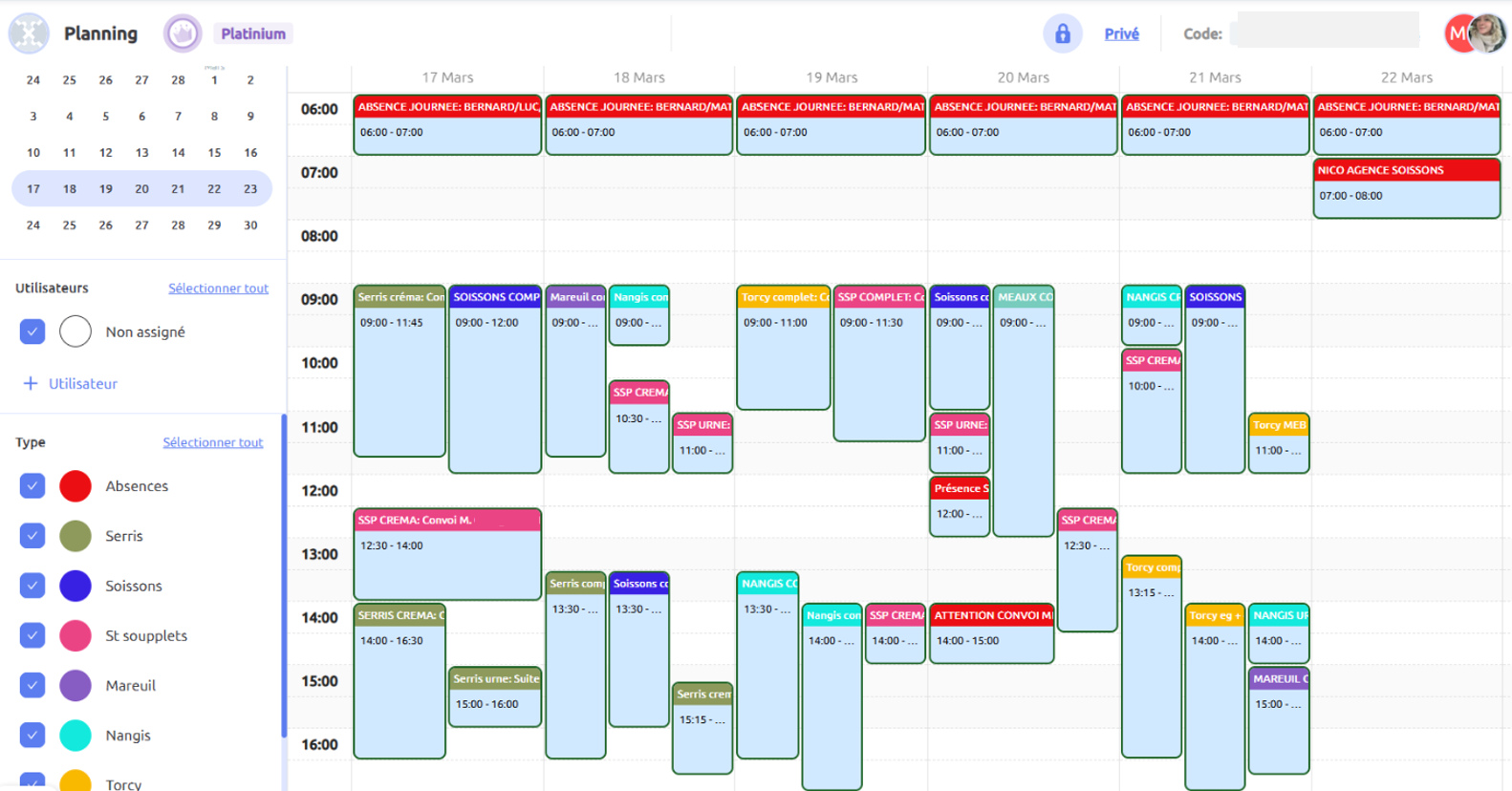
With one clear team schedule, your business reduces coordination effort, avoids double-booking, and saves time every day.


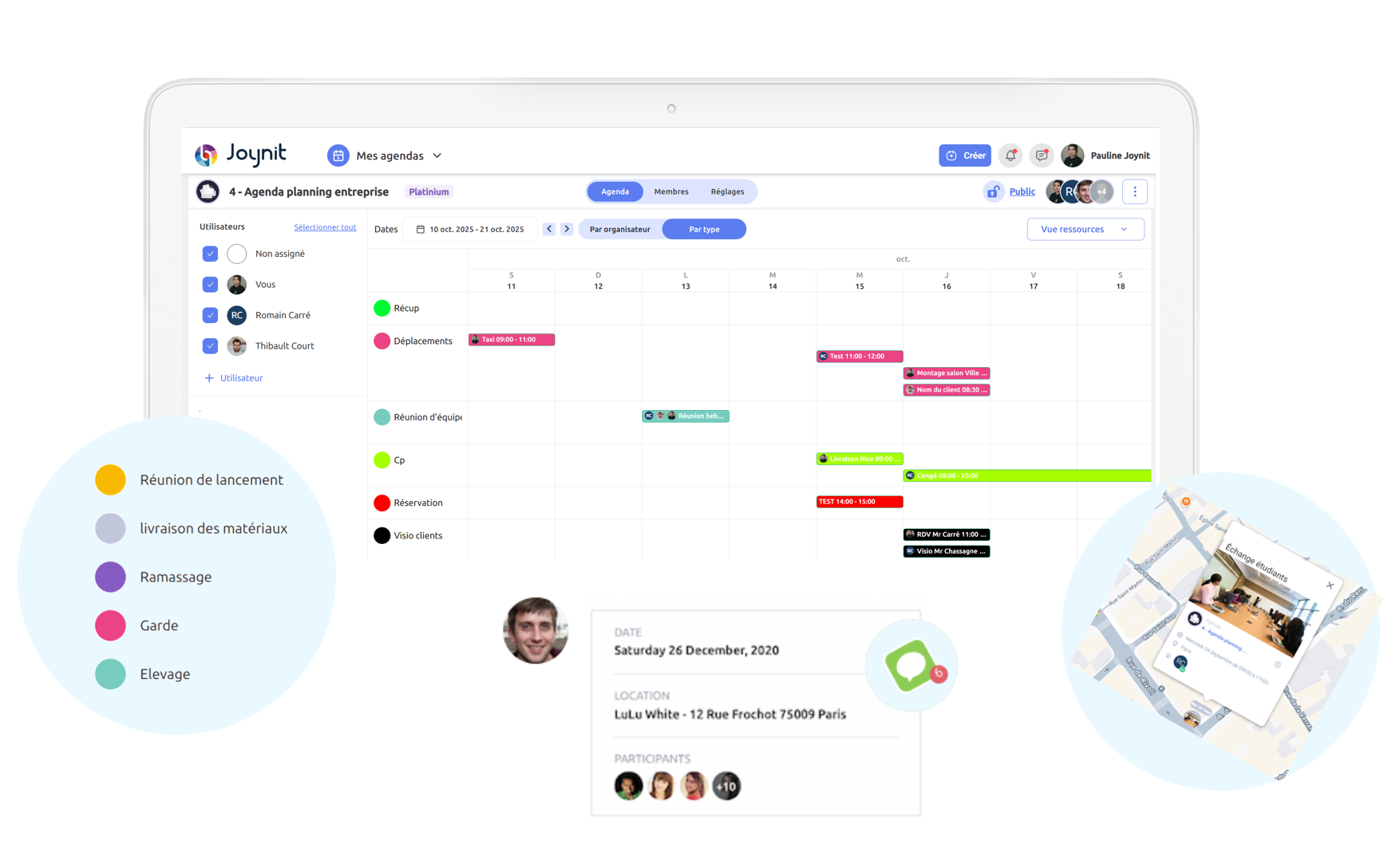
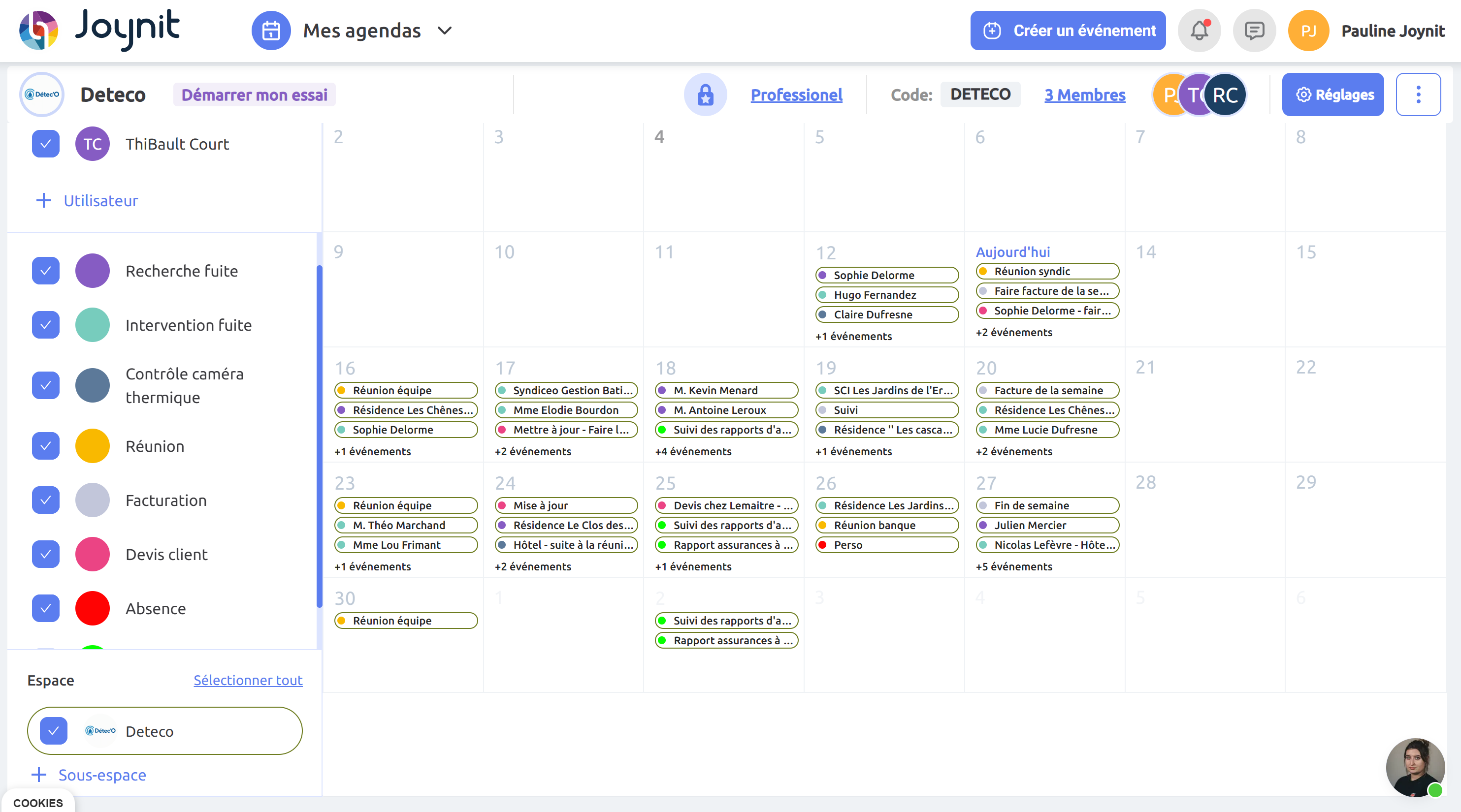
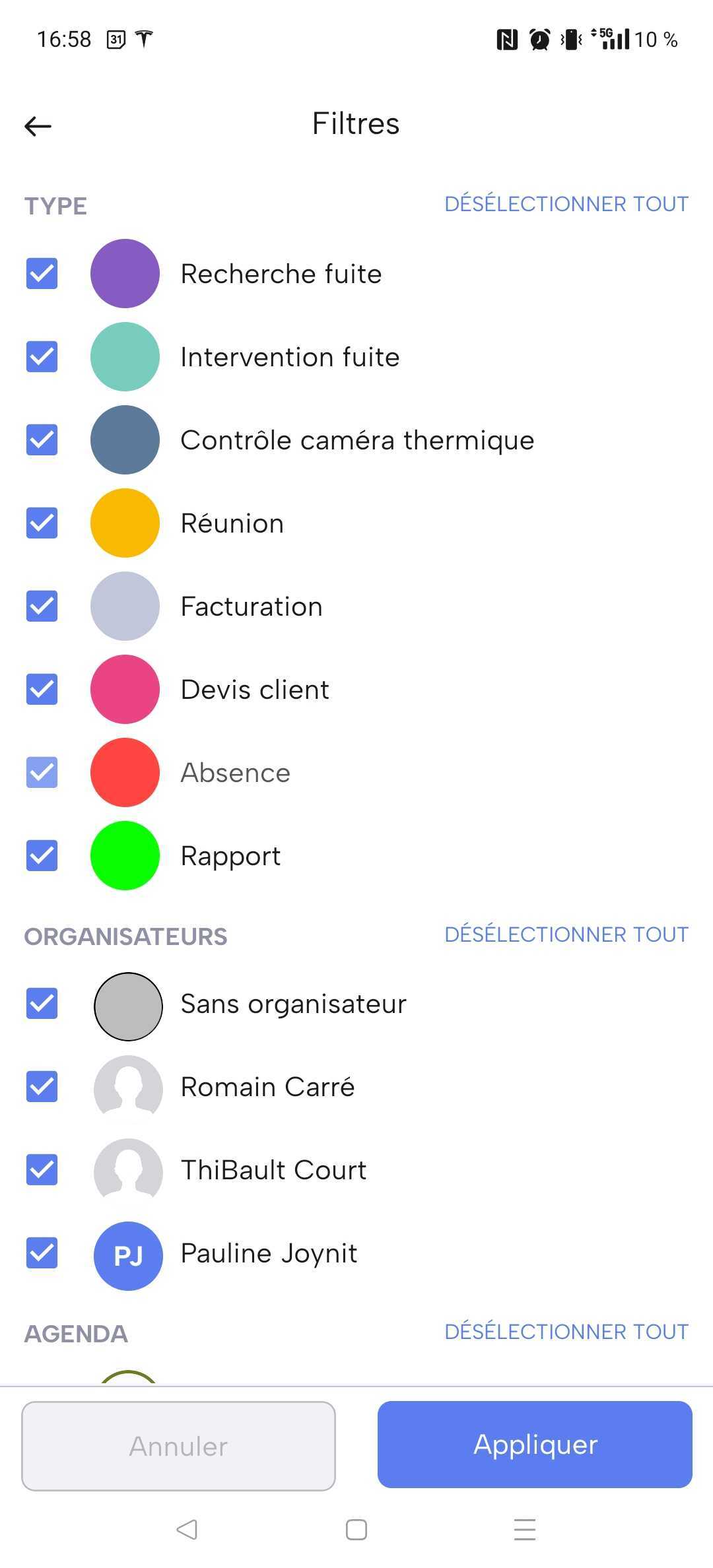
Every business works differently. Joynit lets you build a team schedule that matches your reality — not the other way around. Customize your shared calendar with colors, event types, and filters to organize work clearly and manage your team more efficiently. Organize your schedule your way:

🔹By task or appointment type
🔹By customer or project
🔹By work mode (on-site, remote, travel)
🔹By resource (room, vehicle, equipment)
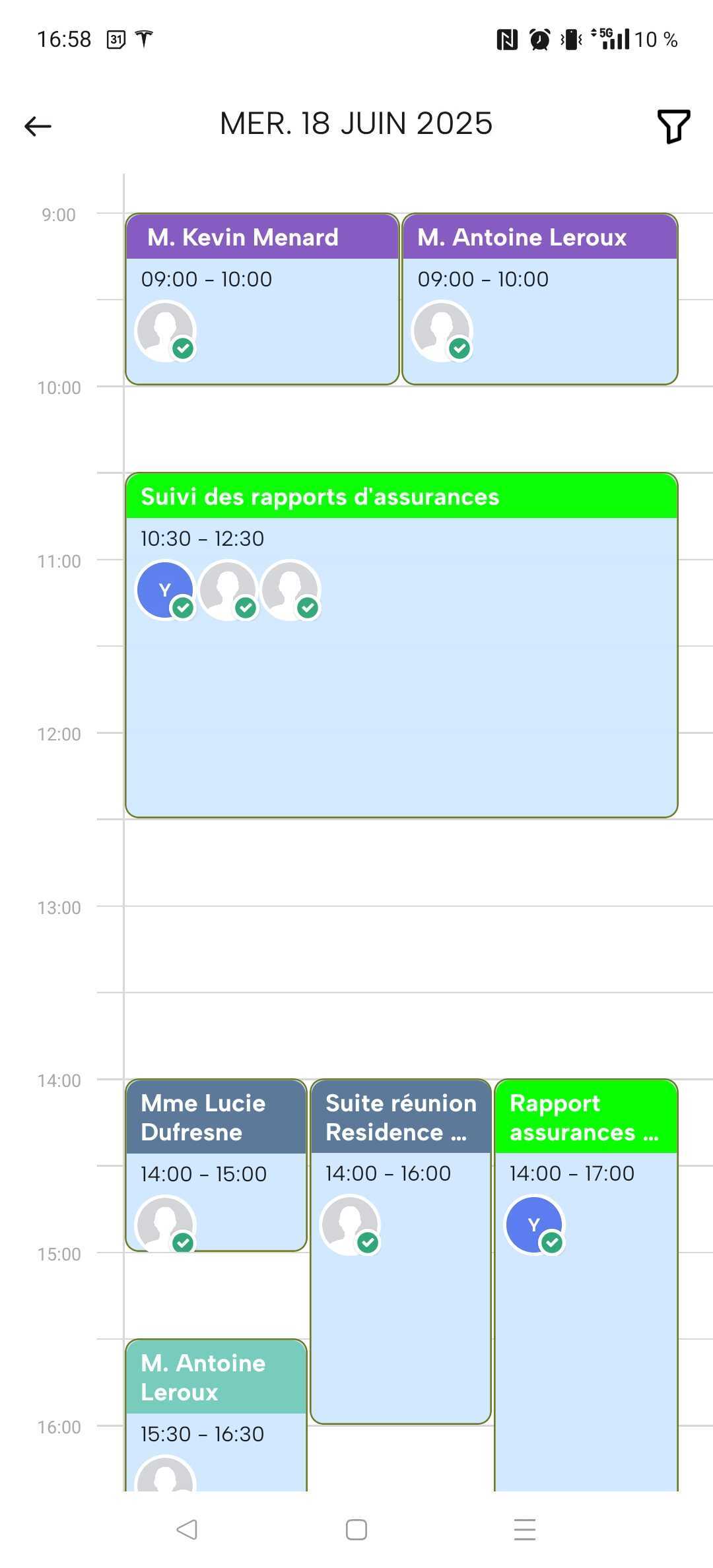
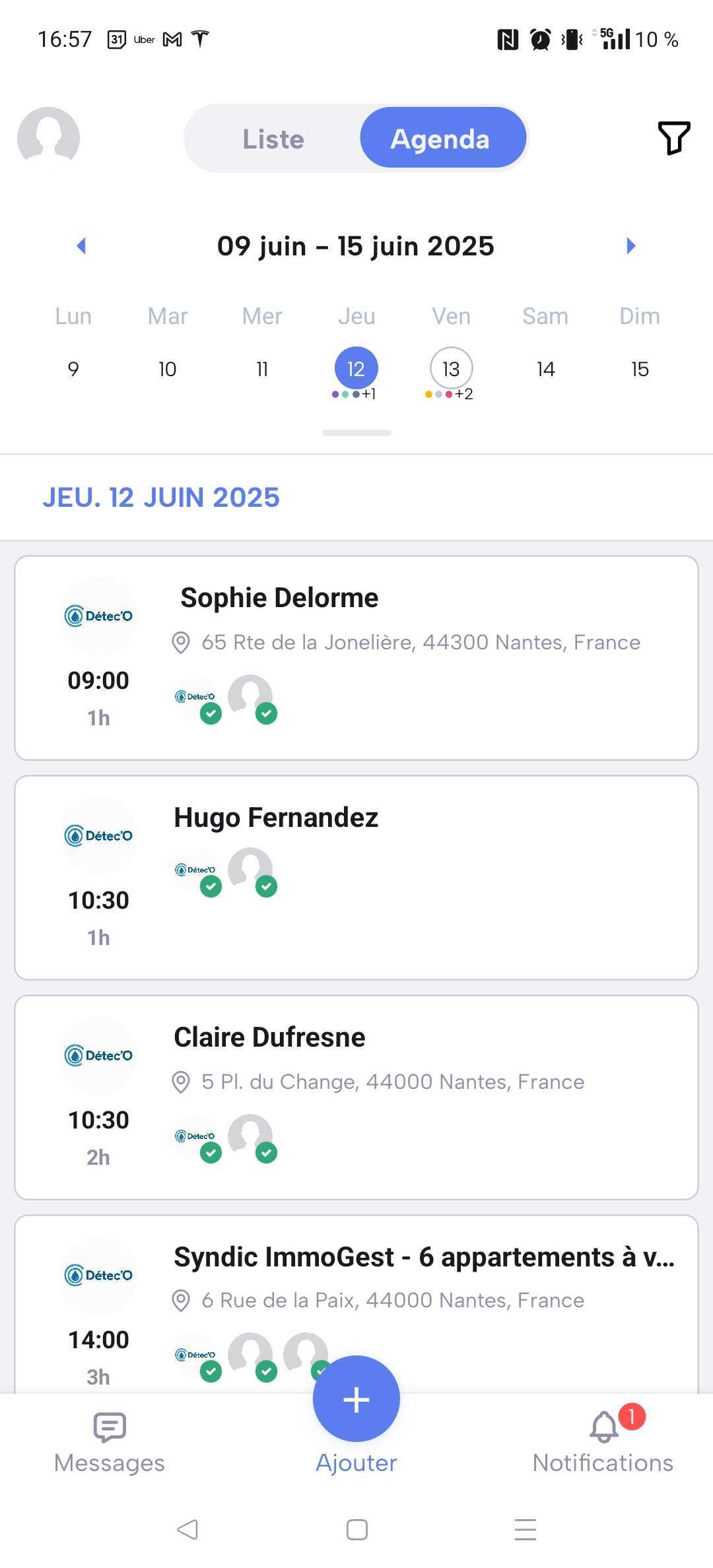
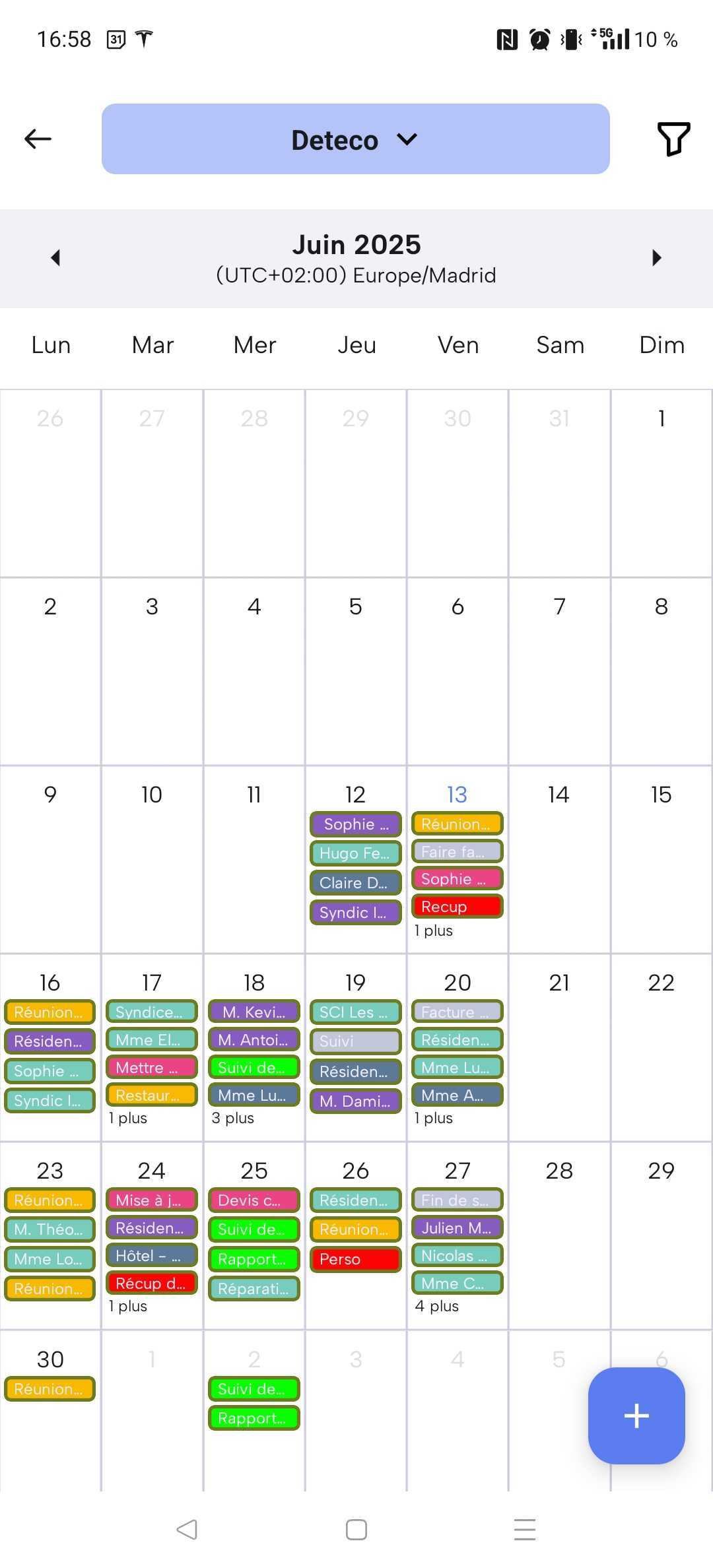
🕒 Access your shared calendar anytime with the mobile app
Create, update, and adjust events on the go — whether you’re in the office, on-site, or managing your team remotely.

Get a clear overview of your operations and organize work more efficiently. Joynit helps you anticipate your team’s needs with a visual scheduling tool that shows availability, workload, and planning conflicts at a glance.
💡Make smarter scheduling decisions by viewing team availability and workload distribution in real time, planning tasks ahead and assigning them when resources are available
Scheduling only works when everyone has the right information at the right time. Joynit helps teams collaborate effortlessly by sharing schedules in a single calendar, while keeping full control over access and visibility.
🔐 Control access without friction : Invite team members, external partners, or clients to your shared calendar and define exactly what they can view or edit.
🔔 Keep everyone informed automatically : Every update is shared in real time, reducing misunderstandings, missed updates, and unnecessary back-and-forth communication.

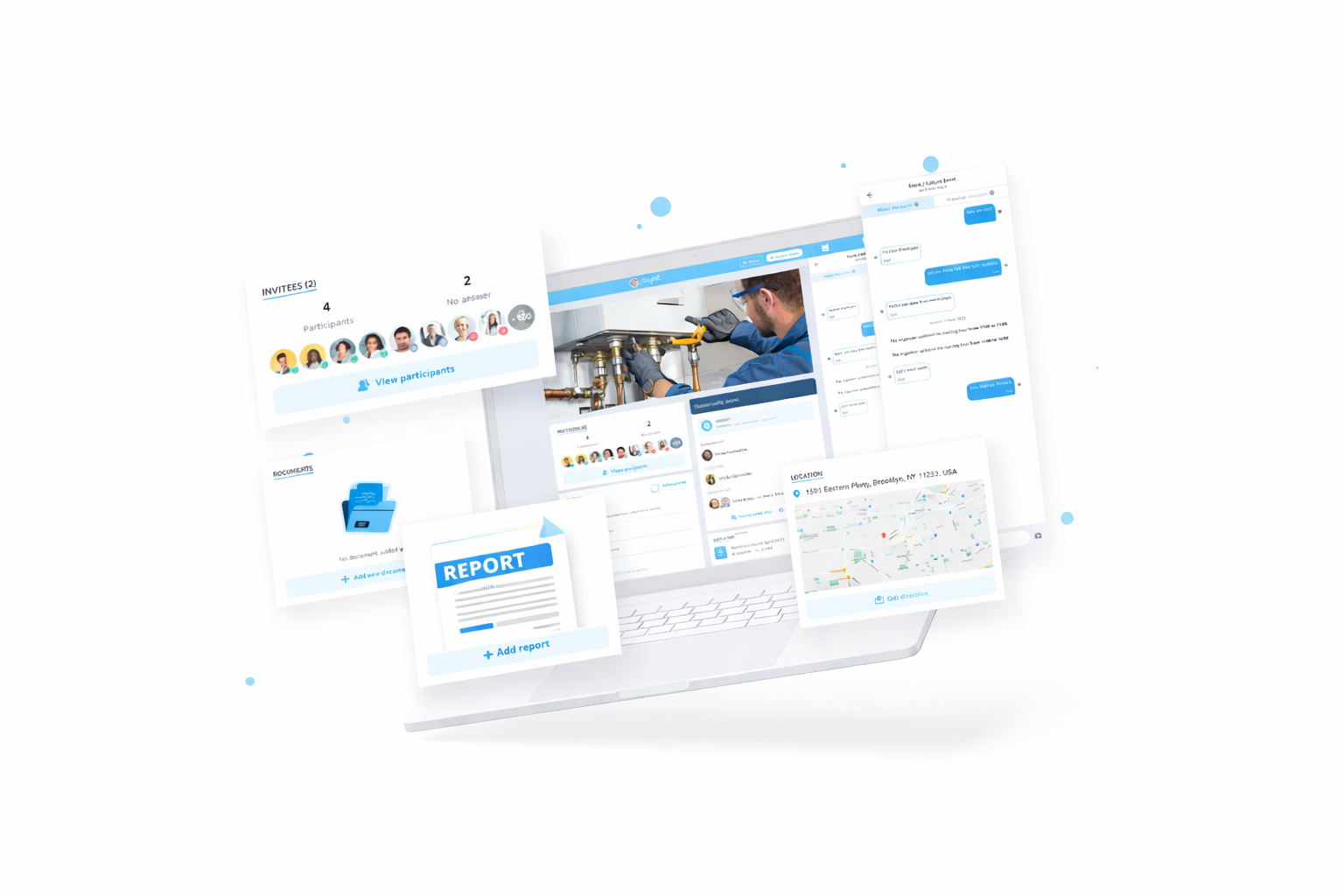
A schedule is only useful when it includes the context your team needs to act. Joynit lets you attach all relevant information directly to calendar events, so nothing gets lost and everyone knows exactly what to do.
📄 Documents – share files and instructions with your team
🤖 AI reports – generate summaries automatically
📸 Photos – add visual context to each event
📍 Addresses – keep locations linked to your schedule
💬 Discussions – centralize conversations per event


Connect your Joynit calendar easily with any external calendar (Google, Outlook, smartphone, etc.)