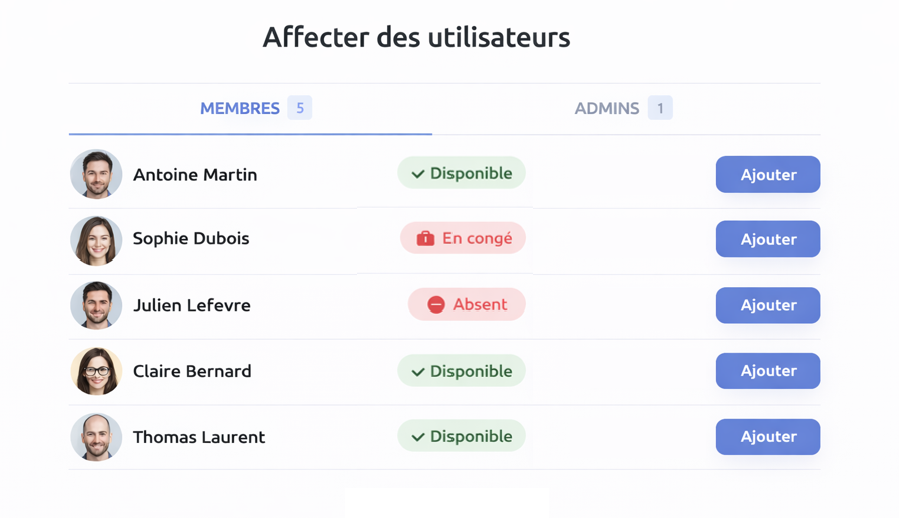
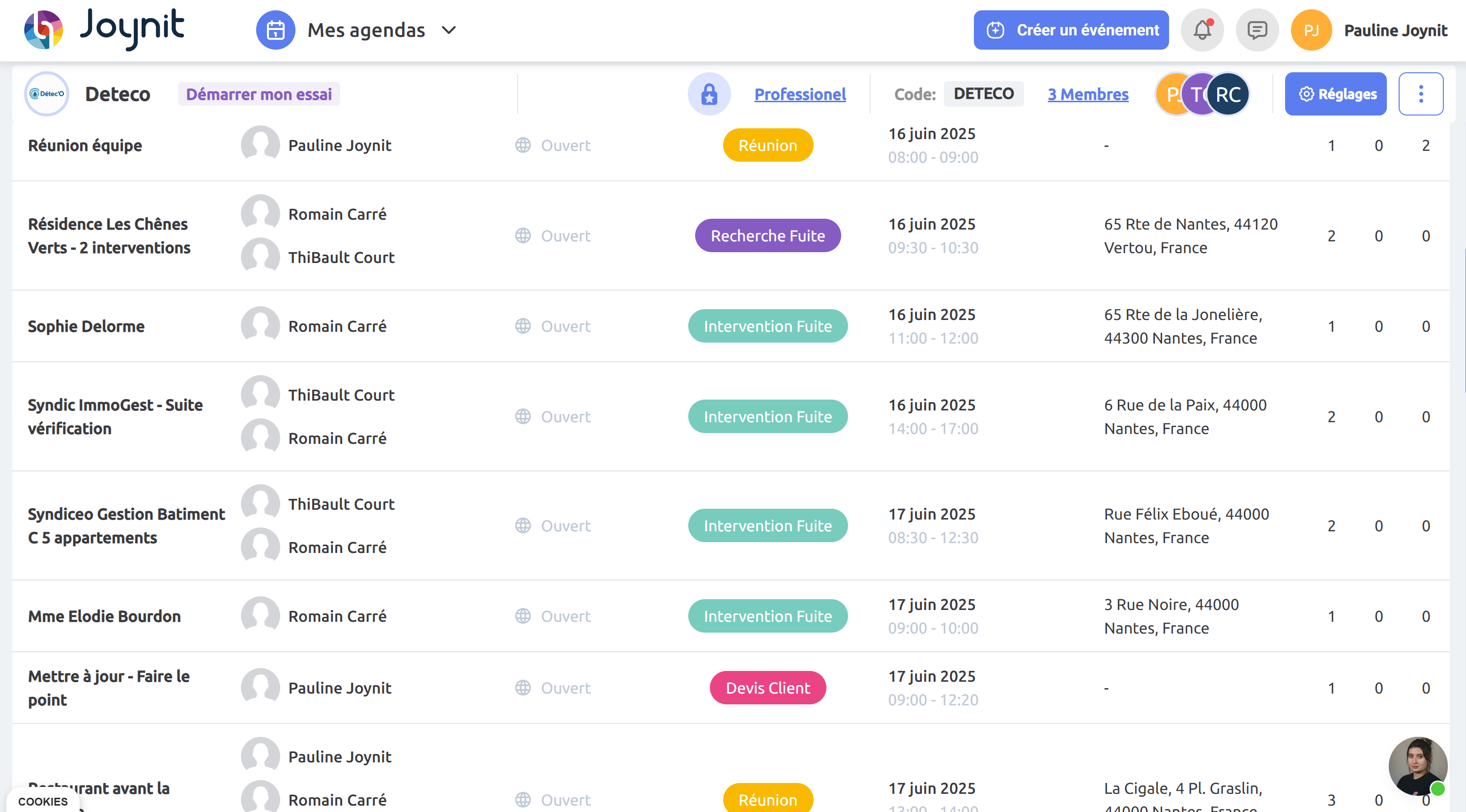
✅ Easy task assignment: assign tasks to one or multiple team members in just a few clicks using a simple team scheduling tool.
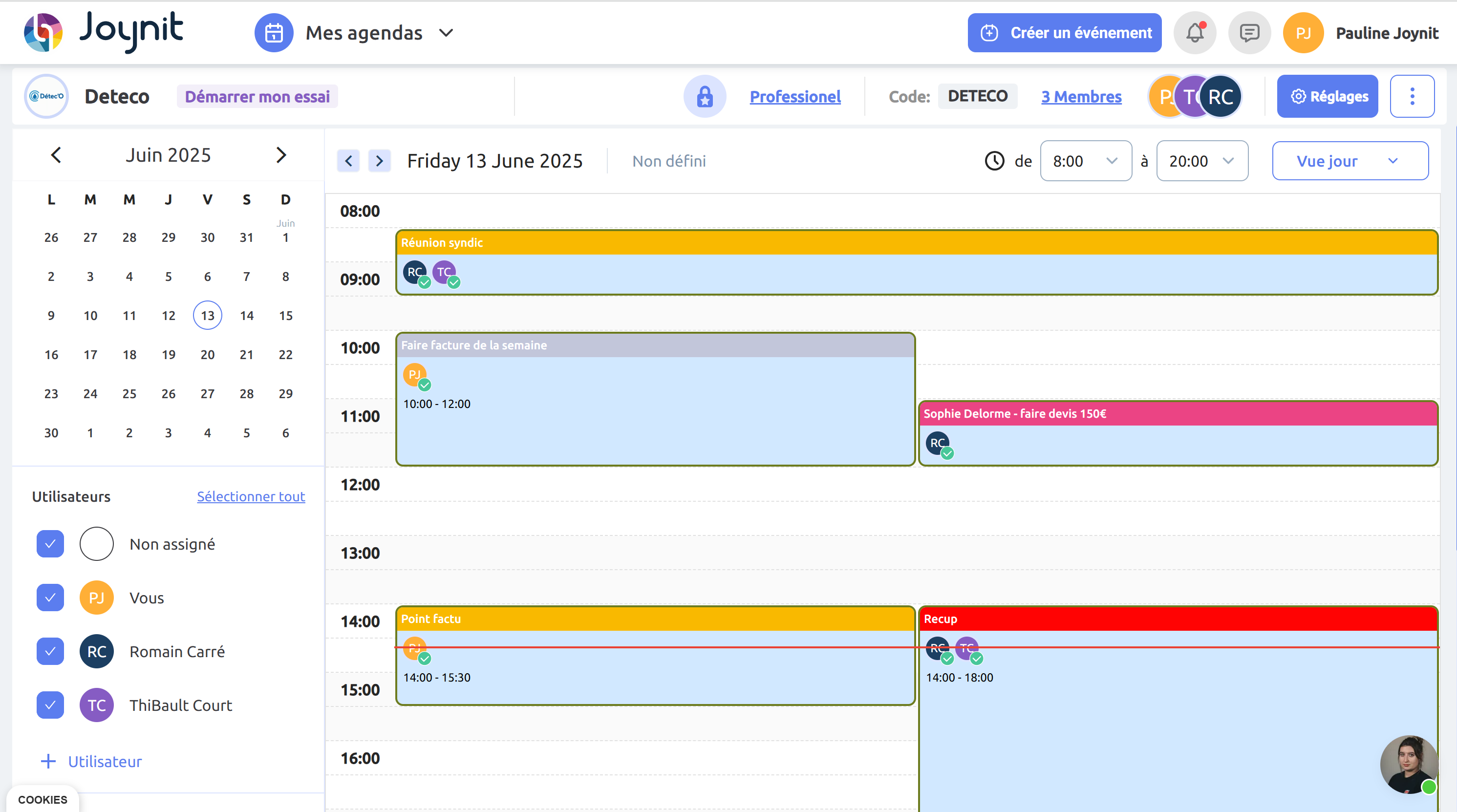
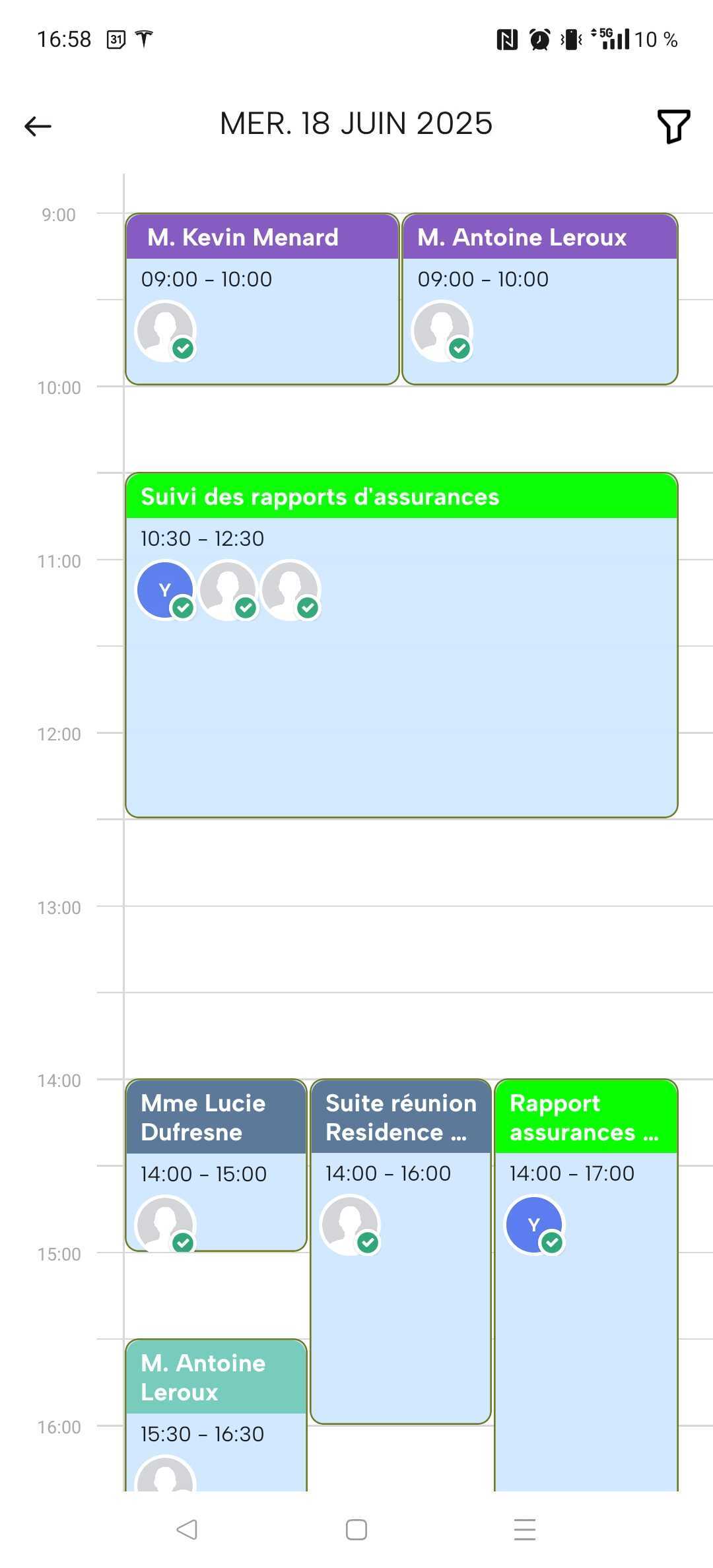
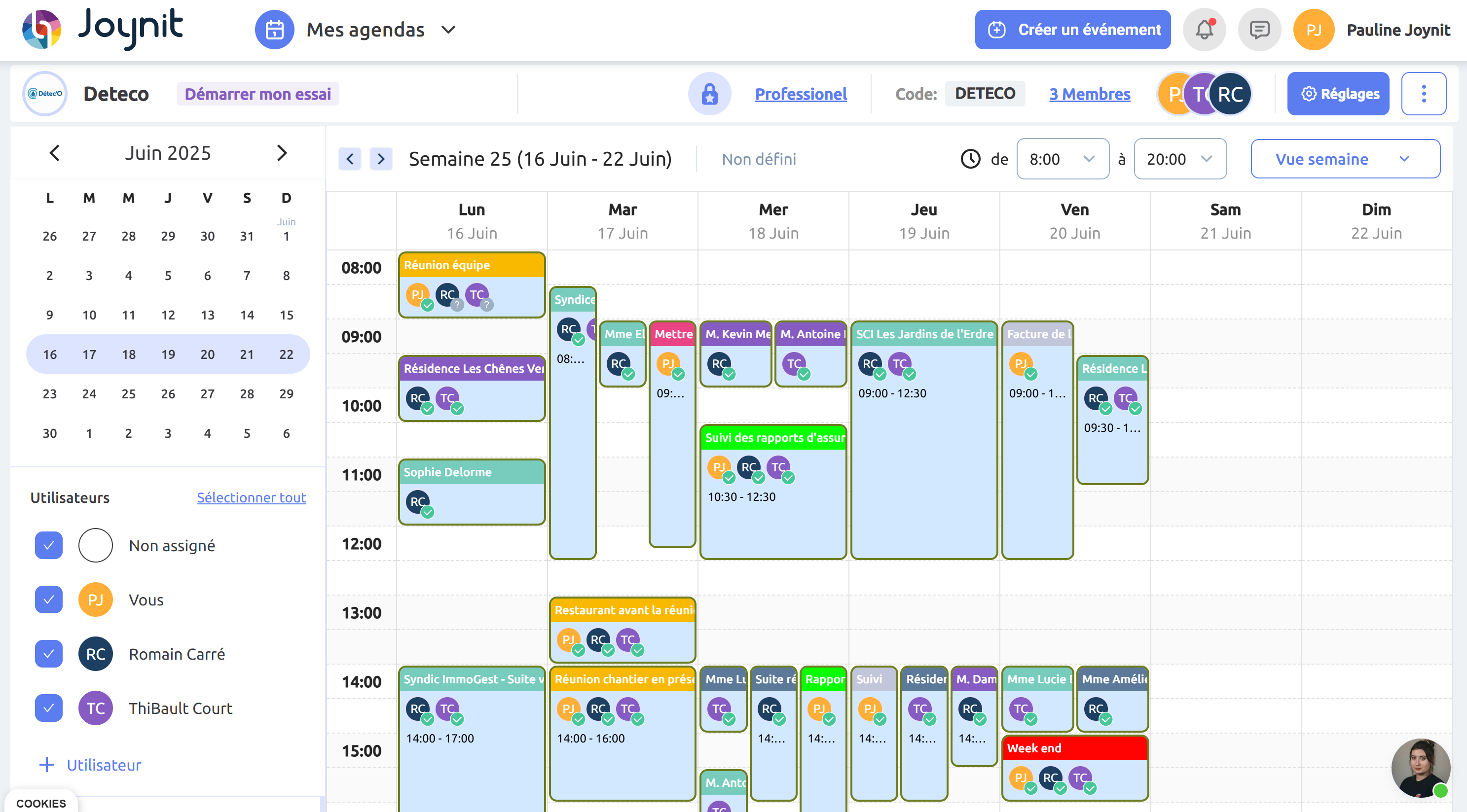
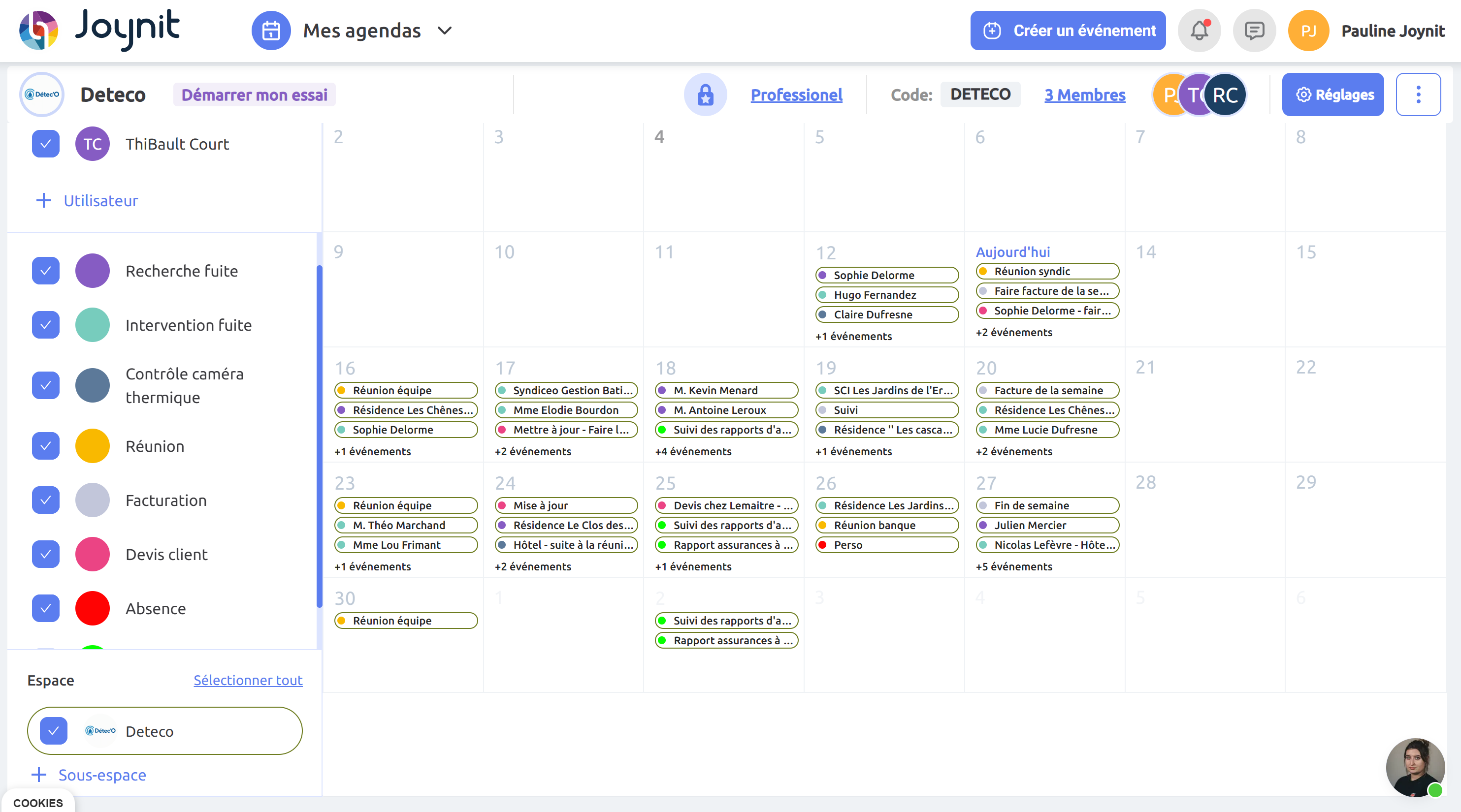
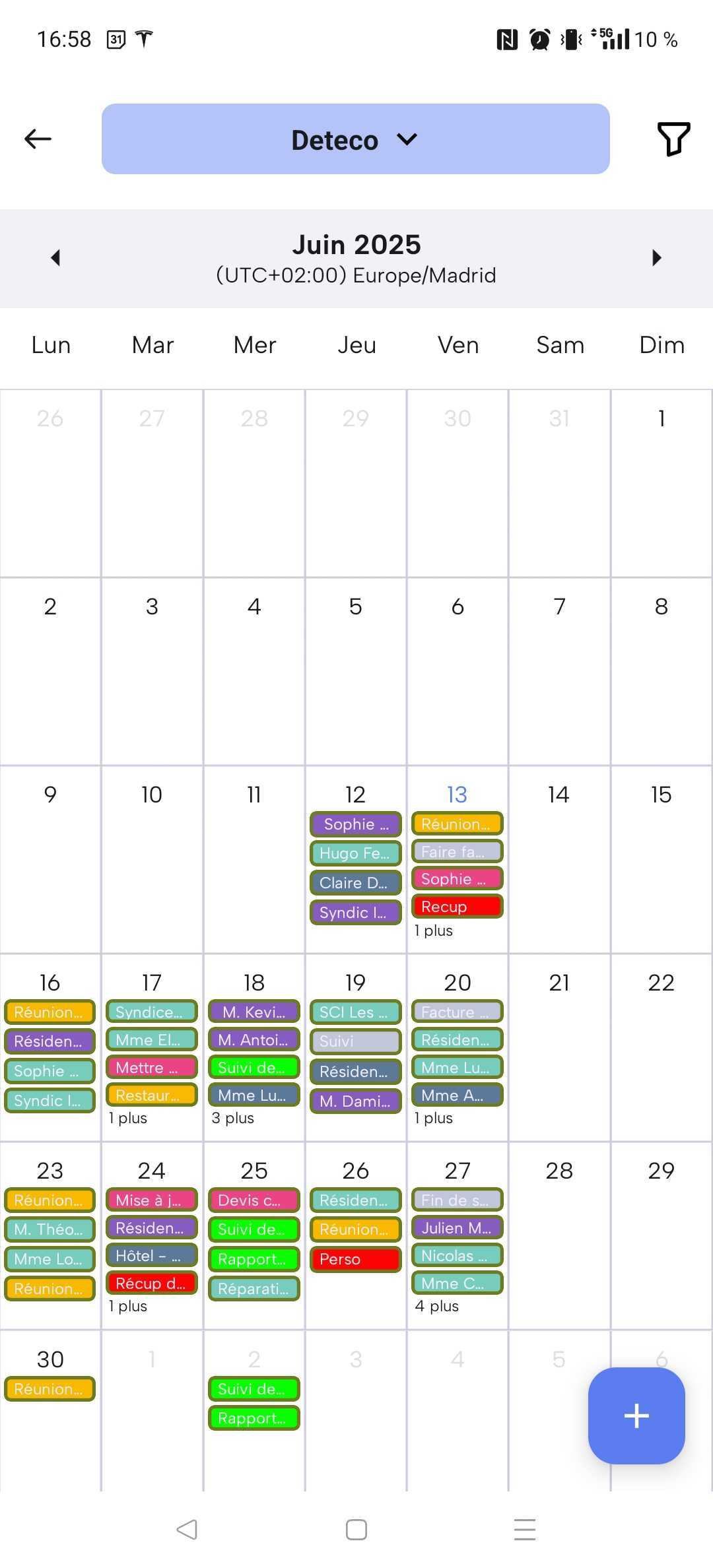
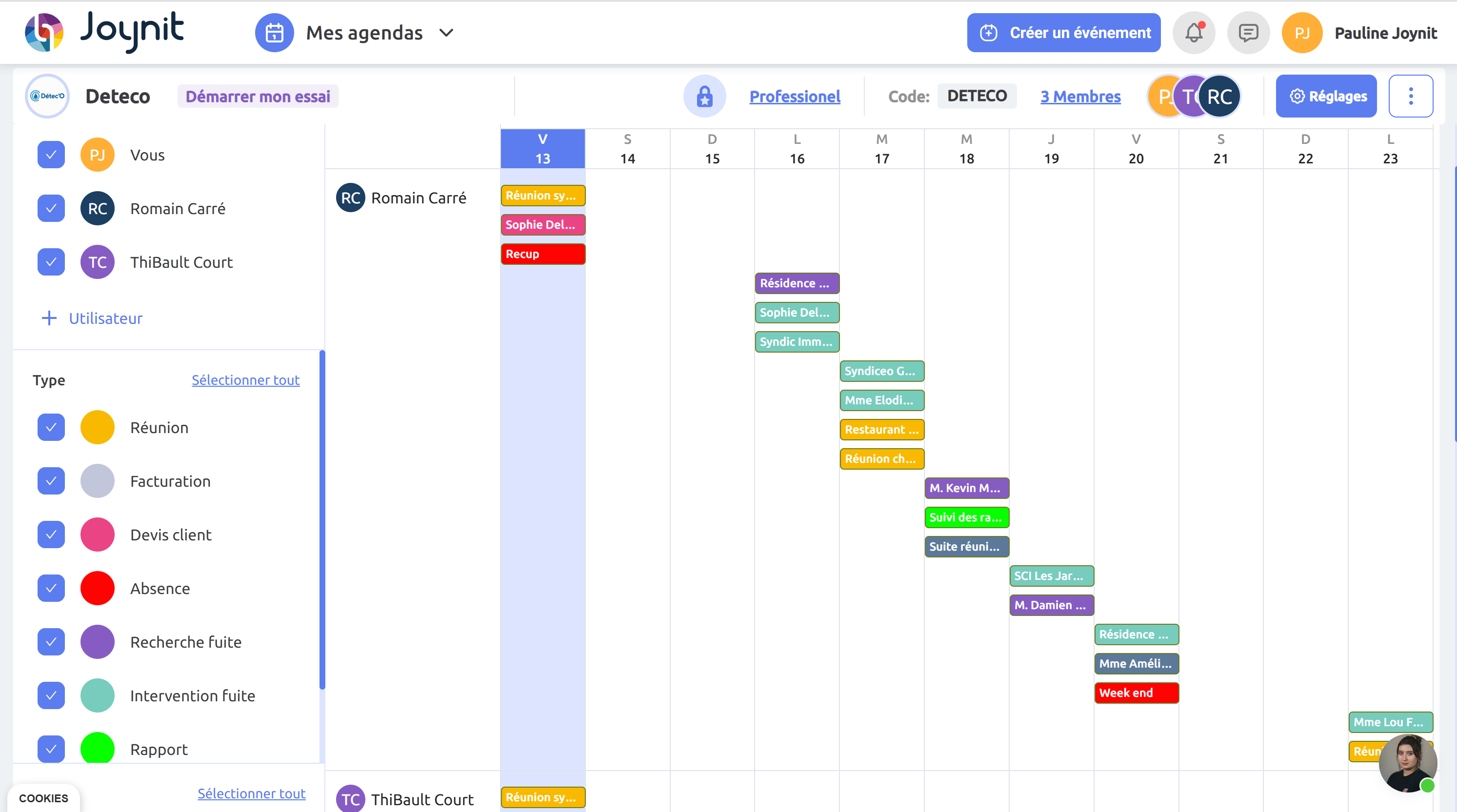
📆 Shared visual schedule: manage your team schedule with day, week, or month views for a real-time view of your team’s activity.
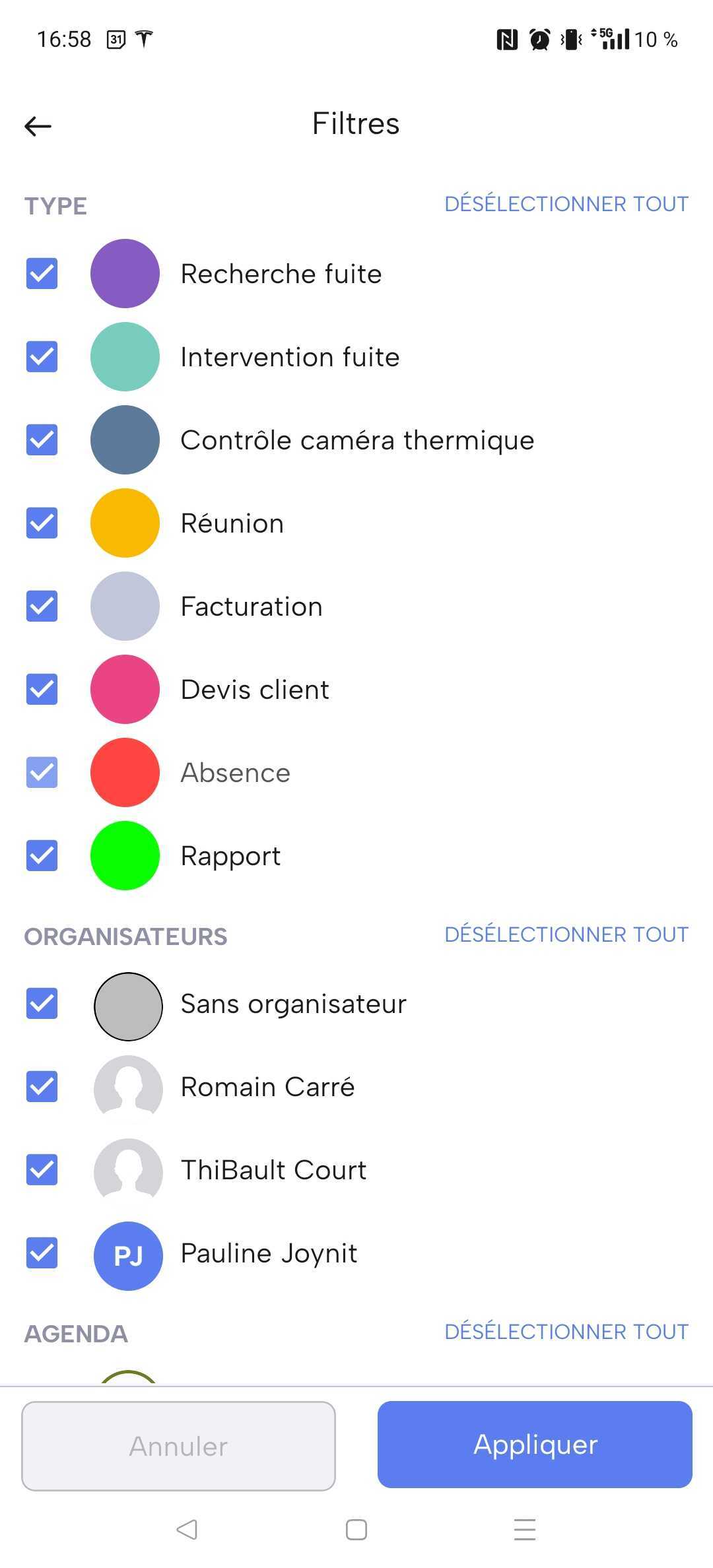
🎨 Custom color coding: organize your online team schedule by task type, team, or status with customizable colors.
🔔 Automatic notifications: keep everyone aligned with automatic updates across your collaborative team calendar.


🧰 Service businesses: plan routes, on-call shifts, replacements, and rotations with a real-time team schedule that avoids conflicts.
🏢 Small & mid-sized multi-site businesses: manage rotating schedules, time off, and roles by location or department in one online team schedule.
🏛 Public organizations, nonprofits, and municipalities: organize staff or volunteer availability across multiple locations with full visibility.
🎓 Training centers and education teams: coordinate instructor availability, sessions, and team meetings with a collaborative team calendar.
👥Define roles and permissions: set member or admin roles, with read or edit accesswithin your team scheduling software.
📧 Works with any email address: invite users using personal or professional emailsto collaborate in your shared team calendar.
🔗 No account required to view schedules: share your team schedule with a secure link,protected by a password, for external access when needed.